Document workflow · beginner
Turn meeting notes into decision slides
Build a five-slide launch review that preserves decisions, owners, deadlines, and unresolved questions.
You are aiming for: An editable PowerPoint deck with five slides and source references in its speaker notes.
1. Get the sample inputs
These fictional files are free to download and use for practice. Your files stay in the agent you choose; this website does not process them.
- Download meeting-notes.txt
A synthetic product launch meeting with confirmed decisions, two assigned actions, and one unassigned action.
2. Prepare the skills
Open each guide for the upstream source, setup requirements, and a smaller first exercise. Installation depends on your agent and its available tools.
Prepare the presentation skill
Open the PPTX guide and follow the upstream installation instructions. Confirm your agent can create and render a slide deck.
Attach the meeting record
Download meeting-notes.txt. Keep it as the sole source of facts for this first attempt.
Separate facts from open questions
Identify approved decisions, a target date, unresolved risks, and action owners. Leave the missing owner explicitly unassigned.
Make five slides
Use the prescribed slide titles and add source references in speaker notes so a reviewer can trace the content.
Inspect the presentation
Open the deck and review all five rendered slides. Correct content errors, cramped text, and overlaps before reporting the result.
3. Run the first task
Attach the sample inputs in your agent, then send this prompt.
Use the PPTX skill on meeting-notes.txt to create launch-review.pptx with exactly five slides titled Context, Decisions, Open risks, Action owners and Next checkpoint. Keep the text editable. Use only the supplied notes, preserve owners and dates, distinguish approved decisions from the conditional target launch, and mark missing owners and dates unassigned. Add a reference to the relevant notes section in each slide’s speaker notes. Render every slide, fix clipping or overlap, and write slide-checks.txt stating which content and visual checks actually ran. Return both files.
4. Check the files you get back
Use these specifications to check your own result. Any recorded example outputs are listed separately below.
- launch-review.pptx
- Five editable slides: Context, Decisions, Open risks, Action owners, and Next checkpoint.
- slide-checks.txt
- A content checklist plus the result of inspecting every rendered slide for clipping and overlaps.
Acceptance checklist
- There are exactly five slides with the requested titles and editable text.
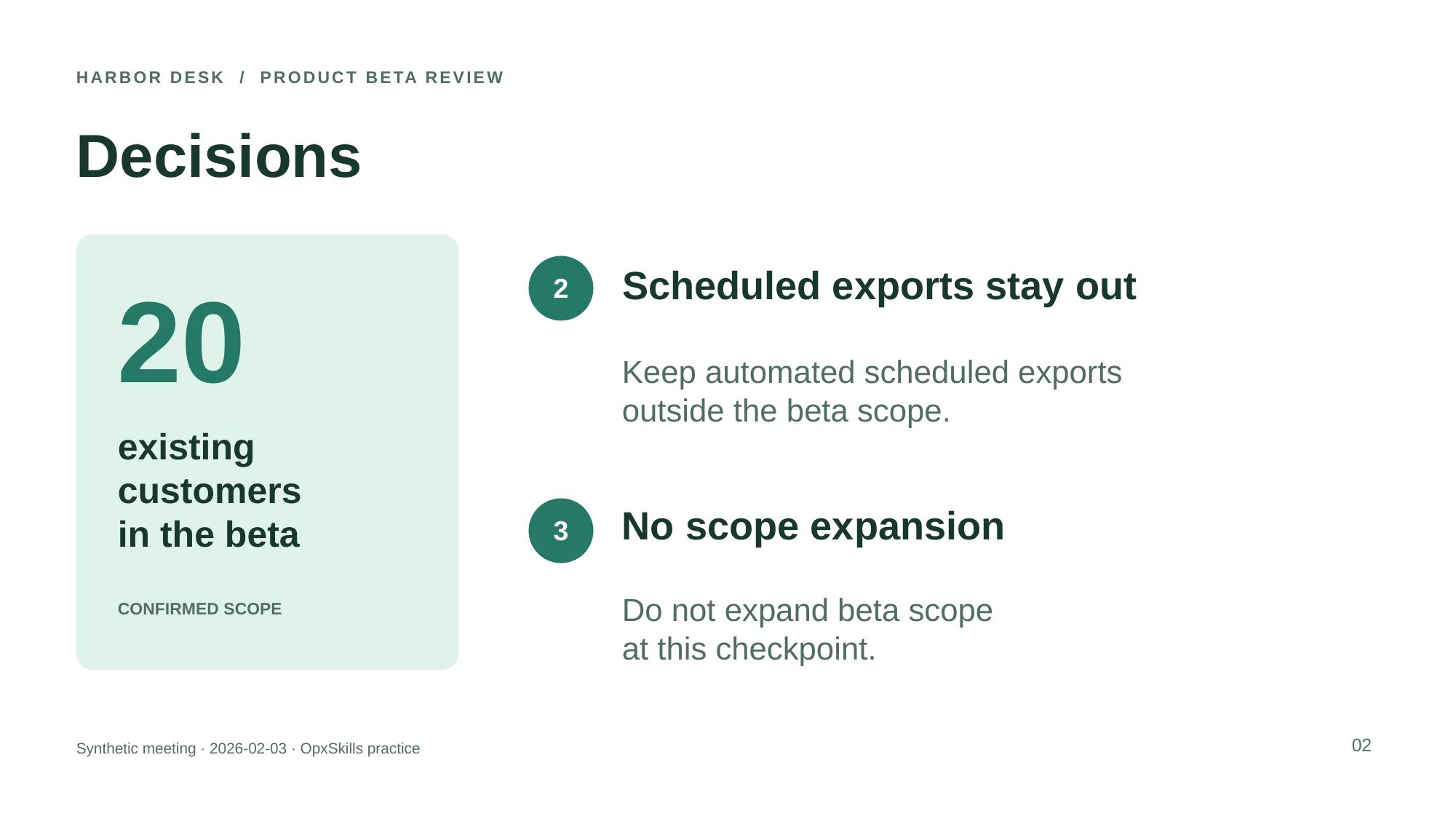
- The decision to limit the beta to 20 existing customers is preserved.
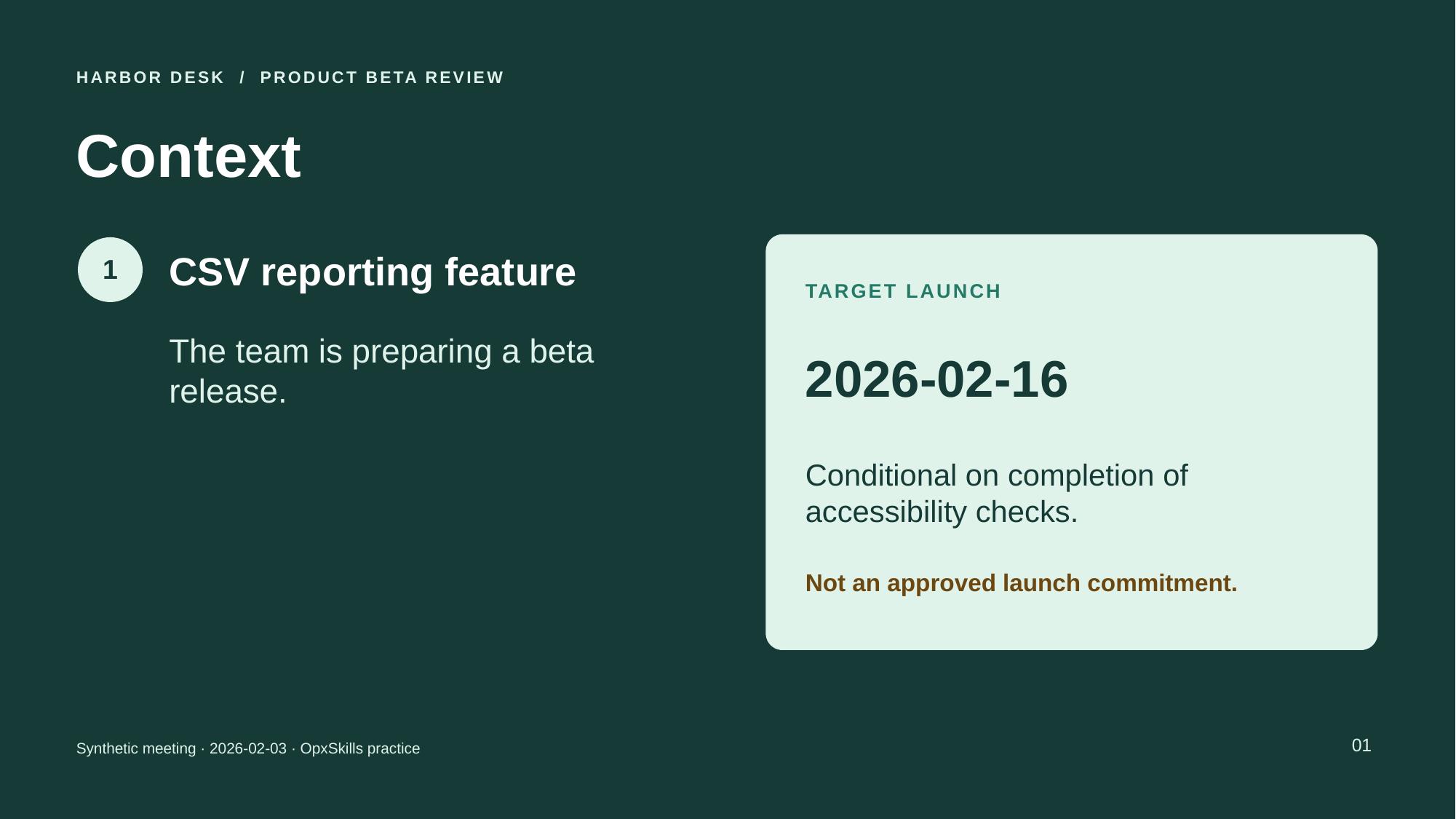
- The 2026-02-16 launch remains a target dependent on accessibility checks, not an approved commitment.
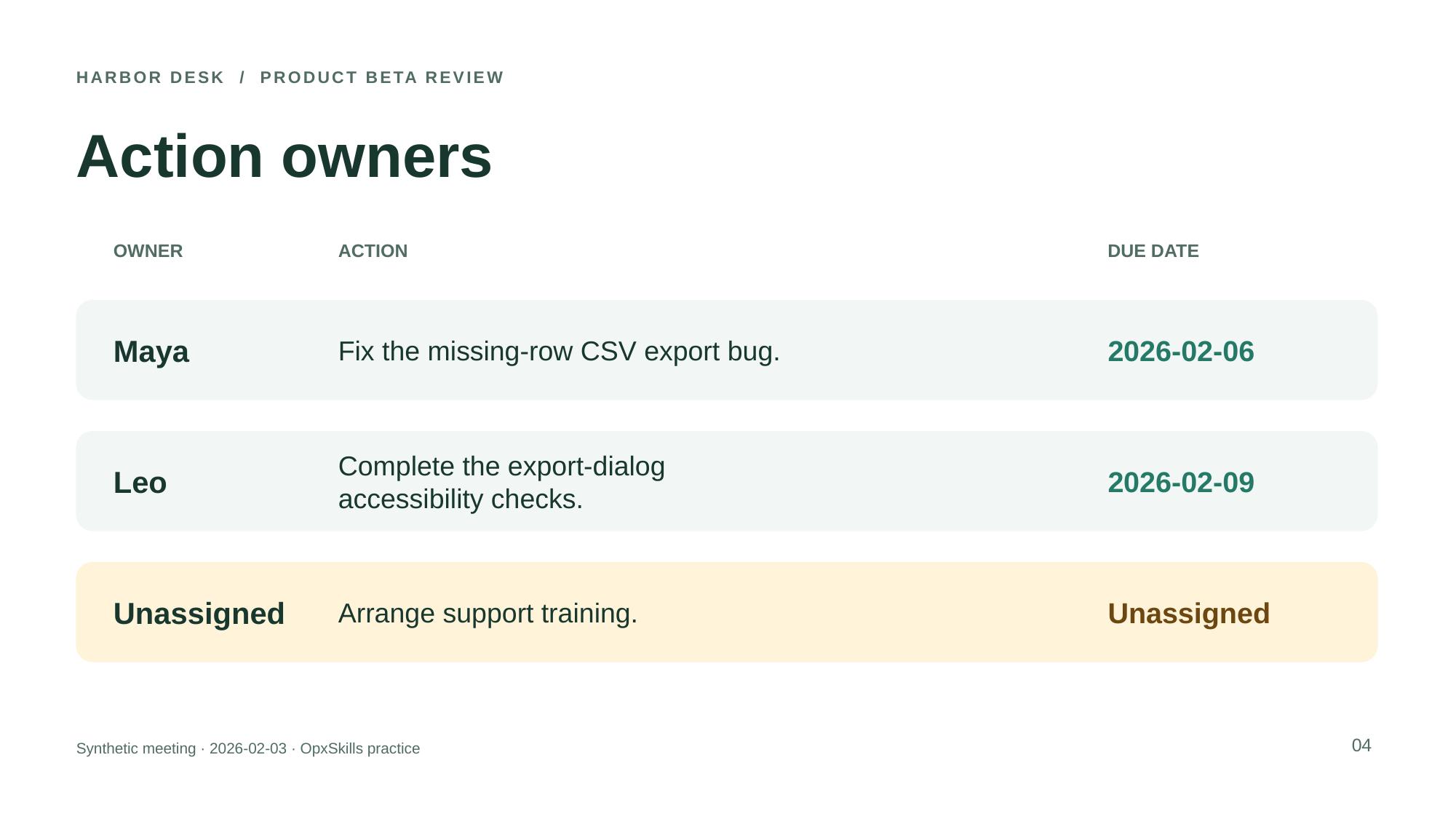
- Maya owns the CSV export fix due 2026-02-06; Leo owns accessibility checks due 2026-02-09.
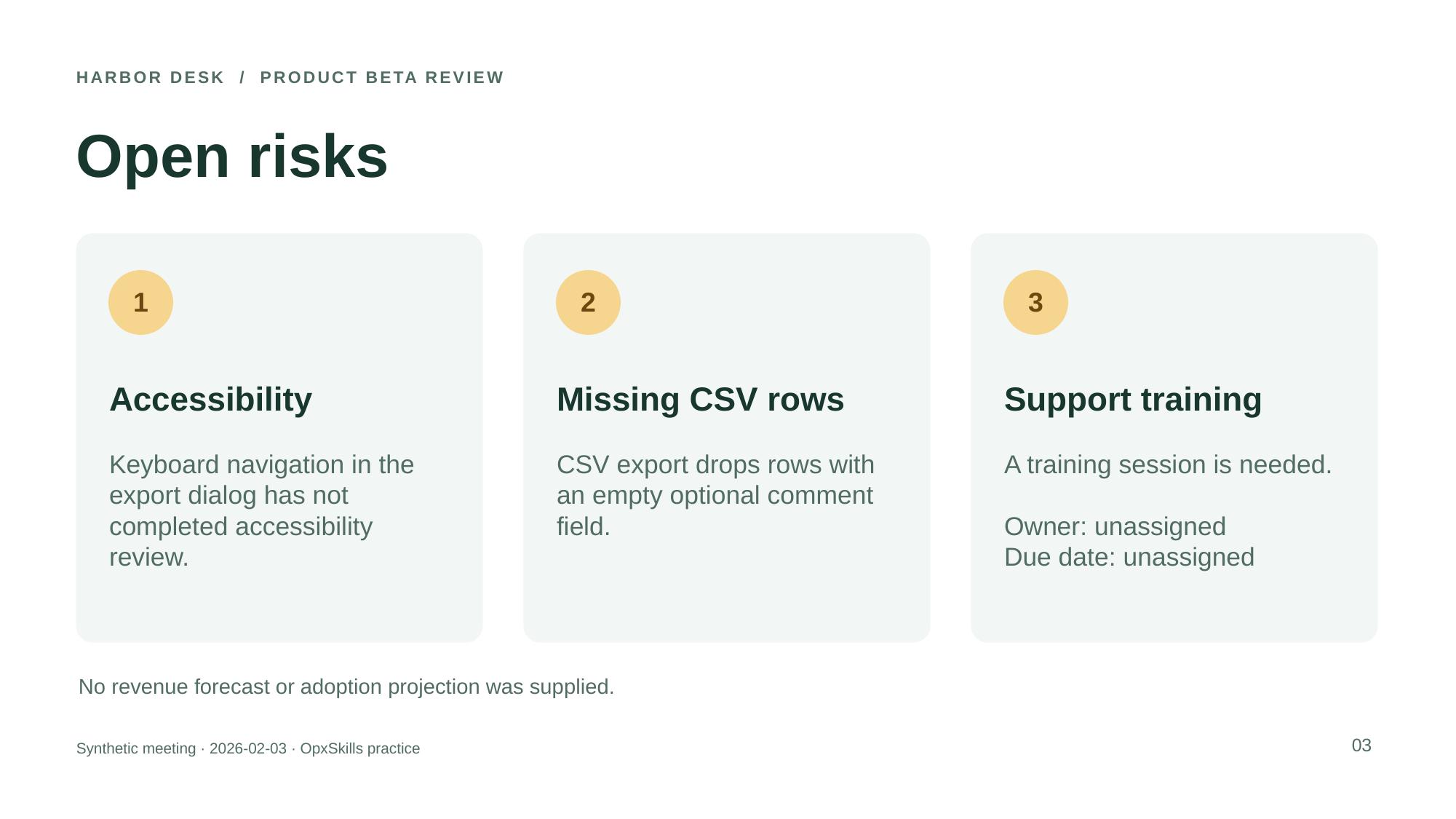
- Support training has no assigned owner or due date; both remain explicitly unassigned.
- All slides include source references in speaker notes and have been inspected for overlap, clipping, and unreadable text.
Limits of this exercise
- The fixture is a short English text record, not an audio transcript or a complex corporate presentation.
- No source supports a revenue projection or chart; adding either would invent evidence.
- Different presentation readers can change rendering, so check in the application you intend to present from.
Recorded example run
These files came from actual execution in a Codex session. They were produced and checked within the same session; this is scoped evidence, not independent review or a measured success rate.
Meeting notes turned into five editable slides
Executed · Automated Codex exercise
Codex session; PptxGenJS 4.0.1, LibreOffice 24.2.7.2 420(Build:2); Linux aarch64.
The agent read the pinned PPTX instructions, generated native editable slides, ran the upstream validator, rendered the deck, and inspected all five slide images.
Download the actual outputs
- launch-review.pptx
- launch-review.pdf
- pptx-slide-1.jpg
- pptx-slide-2.jpg
- pptx-slide-3.jpg
- pptx-slide-4.jpg
- pptx-slide-5.jpg
- slide-checks.txt
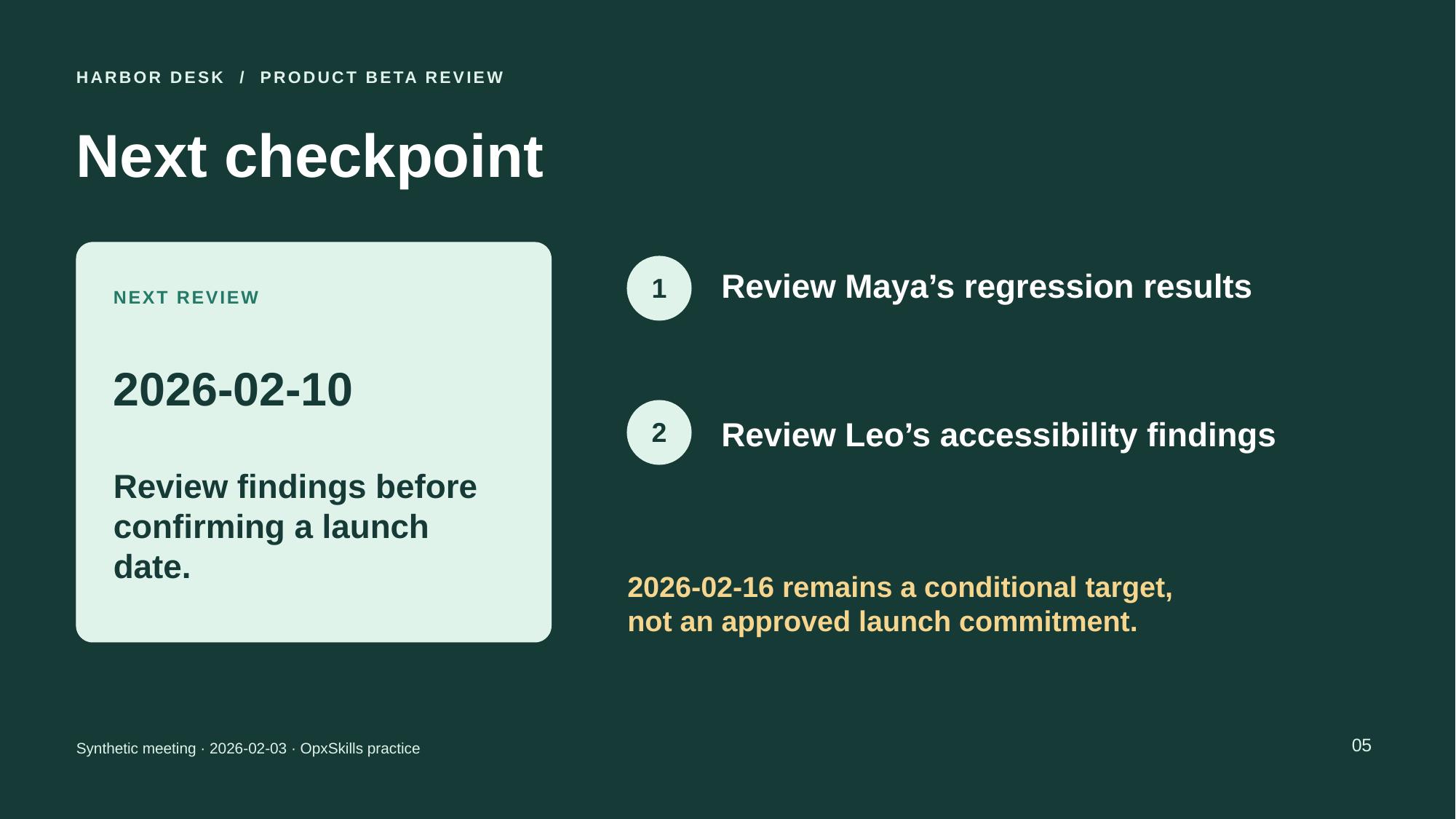
Recorded checks and observations
- Passed: The upstream Office file validator passed.
- Passed: Exactly five requested titles, source notes, owners and deadlines are preserved. Unassigned fields and the conditional launch date stay explicit.
- Passed: All 66 editable text shapes appear in the five-page rendered PDF.
- Passed: The creating agent inspected all five slide images and observed no clipping or overlap.
Scope, limitations and pinned sources
- The agent read the pinned upstream instructions and used their prescribed tools. Native Claude skill loading and general cross-agent compatibility were not tested.
- One synthetic English fixture, one generation; no repeated-run success rate or no-skill baseline.
- No human review or independent certification.
- No Microsoft PowerPoint desktop test or cross-application rendering guarantee.
- No model version inferred from the session.
- No corporate template, audio transcript, charts, or complex deck editing evaluated.
- Arial resolved locally to Liberation Sans. LibreOffice emitted a Java-launch warning, but the conversion completed.
Try it, then tell us how it went
A copied prompt does not tell us whether the task worked. Report your result after checking the output. We collect your tool and outcome, never your files or prompt.
Open your saved librarySources behind this recipe
The upstream skill instructions informed tool choices. The scenario, sample data, prompt, and expected results are original OpxSkills material. Source review date: 2026-10-04.
Try another document workflow
PDF + XLSX
Turn a PDF table into a usable Excel sheet
Extract six invoice lines, keep their source references, and reconcile the result before using it.
An editable workbook with all six items and a checked USD 1,250.00 subtotal.
Sample inputs included · Recorded example output
Try this workflowXLSX + DOCX
Turn a sales spreadsheet into a monthly report
Check two months of figures, build a formula-backed summary, and write an editable one-page review.
A summary workbook and a Word report that distinguish revenue growth from margin change.
Sample inputs included · Recorded example output
Try this workflow